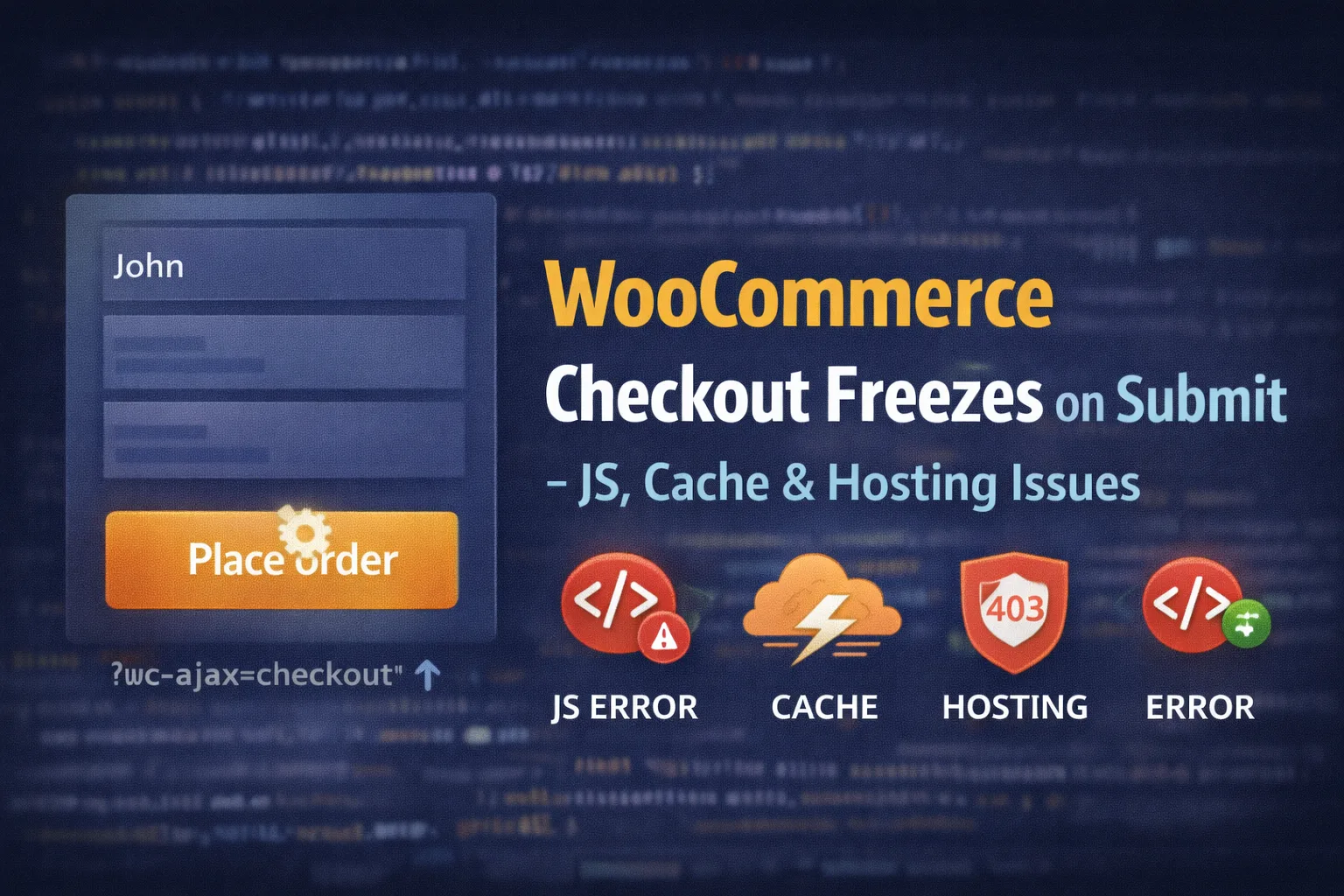
WooCommerce checkout usually freezes when a JavaScript error, cached nonce, blocked AJAX request, or server-level restriction prevents the wc-ajax=checkout request from completing.
A WooCommerce checkout that freezes on submit is one of the most frustrating (and expensive) problems a store can have.
Customers click “Place order”, the spinner shows up… and then nothing happens:
- No error message
- No redirect
- No order created
- No payment triggered
When this happens, the issue is almost never “WooCommerce is broken.”
It’s usually a JavaScript failure, caching issue, blocked AJAX request, or hosting-level restriction.
This guide walks through the real causes, in the exact order you should debug them.
What “Checkout Freezes on Submit” Actually Means
When a customer submits checkout, WooCommerce relies on:
- JavaScript validation
- AJAX (
wc-ajax=checkout) - Nonces
- Cookies / sessions
- Server-side processing
If any one of these fails, the checkout can appear frozen—even though something is breaking silently in the background.
Most of the time, the browser already tells you what’s wrong.
Quick Symptoms Checklist (Before You Touch Anything)
Open DevTools → Console + Network, then click Place order.
Common things you’ll see:
- Console errors (red text)
wc-ajax=checkoutreturning400,403, or500- Request stuck as “pending”
- Response body showing HTML instead of JSON
- No request at all (JS never fired)
If checkout works in admin previews but fails for real customers, this is often tied to the same root causes explained in
👉 Why WooCommerce AJAX Works in Admin but Not on Frontend
Check 1: JavaScript Errors on the Checkout Page (Most Common)
One JavaScript error is enough to stop checkout entirely.
Common errors:
Uncaught TypeErrorjQuery is not definedwc_checkout_params is undefined- Payment gateway script errors
If the JS responsible for submitting checkout never runs, the button just spins forever.
How to confirm
- Open Console
- Reload checkout page
- Fix the first error you see (ignore downstream ones)
Common causes
- Theme JS bugs
- Minification / defer breaking script order
- Payment gateway scripts failing to load
- Custom snippets injected incorrectly
Quick test:
Disable JS minify/defer in your optimization plugin and retest checkout.
Check 2: Cached Checkout Page (Stale Nonce Failure)
WooCommerce checkout relies heavily on nonces.
If your checkout page is cached, the nonce can expire—causing the submit to fail silently.
Symptoms:
- Spinner runs forever
wc-ajax=checkoutreturns400- Response body includes “invalid nonce”
Fix
Make sure checkout is never cached:
/checkout//cart//my-account/
This is a known WooCommerce requirement and documented in their performance best practices:
If you’re aggressively optimizing, pair this with selectively disabling cart fragments instead of brute-force caching:
Check 3: wc-ajax=checkout Is Blocked or Failing
On submit, WooCommerce sends an AJAX request to:
?wc-ajax=checkoutIf this request:
- Returns
403→ security / firewall - Returns
400→ nonce or malformed data - Returns
500→ PHP/server error - Returns HTML → fatal error or redirect
Checkout will freeze.
How to test
Open Network tab → click Place order → click the wc-ajax=checkout request.
If this request fails, checkout will never complete.
If you’re seeing 400/403 patterns across AJAX endpoints, this post explains it in detail:
Check 4: Security Plugins or WAF Blocking Checkout
Security tools often:
- Block POST requests
- Block AJAX endpoints
- Flag checkout fields as suspicious
- Rate-limit anonymous users
Admin works because:
- Your IP is trusted
- You’re authenticated
Frontend fails because:
- Guests hit stricter rules
Fix
Whitelist:
admin-ajax.php/wc-ajax//checkout/
If you’re using Cloudflare, disable Bot Fight Mode temporarily and retest.
Cloudflare documents how WAF rules affect AJAX endpoints here:
Check 5: Hosting-Level Issues (CPU, Memory, mod_security)
Checkout is one of the heaviest operations WooCommerce performs.
Hosting issues that freeze checkout:
- CPU throttling
- Low PHP memory
mod_securityrules blocking POST data- Slow database writes
- Object cache deadlocks
If checkout freezes under load, or only during traffic spikes, this is a red flag.
Check 6: Payment Gateway Script Failures
If a payment gateway JS fails:
- Stripe
- PayPal
- Square
- Klarna
Checkout may never submit.
Symptoms:
- Error only happens when a specific gateway is selected
- Console error references gateway JS
- Disabling the gateway fixes checkout
Fix
- Update the gateway plugin
- Ensure scripts aren’t deferred
- Test with Cash on Delivery or Check Payments to isolate the issue
WooCommerce explicitly recommends testing with a basic gateway for debugging:This ties directly into high resource usage issues explained here:
Check 6: Payment Gateway Script Failures
If a payment gateway JS fails:
- Stripe
- PayPal
- Square
- Klarna
Checkout may never submit.
Symptoms:
- Error only happens when a specific gateway is selected
- Console error references gateway JS
- Disabling the gateway fixes checkout
Fix
- Update the gateway plugin
- Ensure scripts aren’t deferred
- Test with Cash on Delivery or Check Payments to isolate the issue
WooCommerce explicitly recommends testing with a basic gateway for debugging:
Check 7: Cookies, Sessions & SameSite Issues
WooCommerce checkout requires cookies.
Problems happen when:
- Cookie consent blocks Woo cookies
- SameSite rules block cookies
- Checkout runs in an iframe
- Cross-domain setups exist
If sessions break, checkout can freeze or silently reset.
Fix Summary (Run This Top to Bottom)
- Fix first JavaScript error
- Disable JS minify/defer temporarily
- Ensure checkout/cart are not cached
- Inspect
wc-ajax=checkoutresponse - Whitelist AJAX endpoints in security/WAF
- Test with a basic payment gateway
- Check hosting logs for CPU/memory issues
- Confirm cookies persist
If checkout works after step 3 or 4, you’ve found the culprit.
Why This Keeps Happening on WooCommerce Sites
WooCommerce checkout is:
- Dynamic
- AJAX-heavy
- Sensitive to caching and optimization
- Dependent on multiple scripts and cookies
It works great when configured correctly—but breaks fast when treated like a static page.
Understanding this flow saves hours of guesswork.