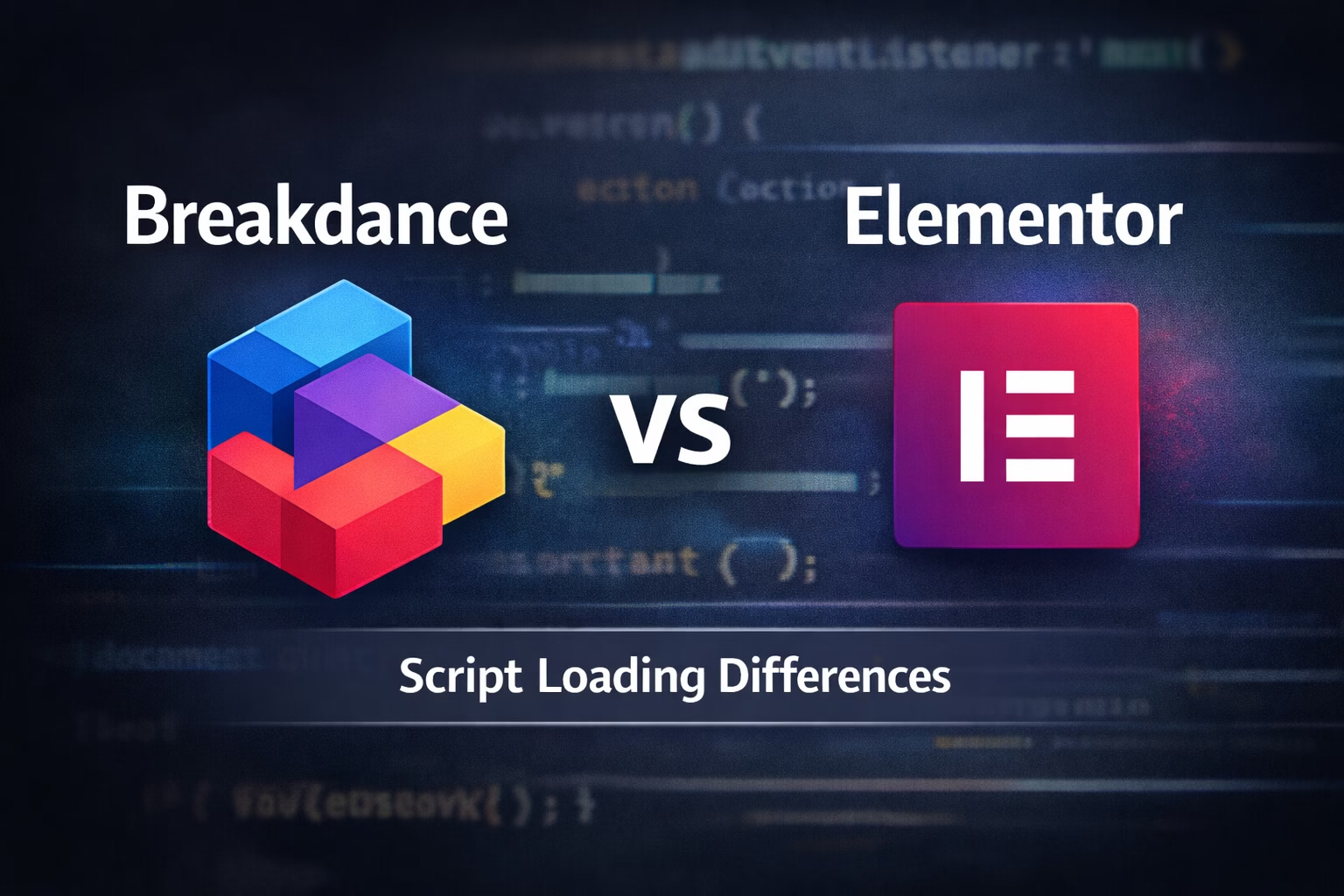
Breakdance renders sections dynamically; scripts may run before elements exist.
When you’re a WordPress developer, moving from Elementor to Breakdance Builder can feel like stepping into a different world — especially when it comes to JavaScript and script loading.
Scripts that work flawlessly in Elementor may fail silently in Breakdance. Understanding how Breakdance handles script execution differently is key to solving these issues quickly.
This guide breaks it down, explains common pitfalls, and provides developer-tested solutions.
Why Script Loading Matters for Developers
Elementor and Breakdance both allow adding custom JavaScript, but their execution models are fundamentally different.
- Elementor: scripts often rely on
DOMContentLoadedor inline execution. The editor and live page usually behave similarly. - Breakdance: content is dynamically rendered, and sections can re-render after the initial page load. Scripts may execute before target elements exist, causing JS failures.
Even small caching or optimization differences can break your scripts. If you’re not familiar, check out my guide on how to clear WordPress cache to troubleshoot timing issues.
How Elementor Loads Scripts
Elementor:
- Loads scripts in predictable order
- Uses the WordPress enqueue system internally
- Scripts inside widgets usually execute after the DOM is ready
- Page-level scripts often run once, matching developer expectations
Example:
document.addEventListener("DOMContentLoaded", function () {
  console.log("Elementor page loaded!");
});
This works reliably because Elementor’s editor and frontend DOM states are mostly identical.
How Breakdance Loads Scripts
Breakdance behaves differently:
- Sections are rendered dynamically
- DOM elements may not exist at
DOMContentLoaded - Scripts inside Code Blocks may execute too early
- Global JS runs in a different context than Elementor
Example failure scenario:
document.querySelector(".my-button").addEventListener("click", () => {
  alert("Clicked!");
});
n Breakdance, .my-button may not exist yet — no error, no alert.
This is why timing patterns matter more in Breakdance.
Breakdance’s official docs explain this behavior: Breakdance Documentation
Common Mistakes Developers Make
- Relying on
DOMContentLoaded
Breakdance may finish rendering after this event fires. - Inline JS without guards
Inline scripts inside elements may execute before targets exist. - Not accounting for dynamic re-renders
Some sections or widgets can refresh after AJAX or interaction. - Caching/optimization plugins interfering
Scripts may defer or combine unpredictably. Learn how to clear WordPress cache properly.
Solutions That Actually Work
✅ 1. Use Event Delegation
document.addEventListener("click", function(e) {
  if (e.target.closest(".my-button")) {
    console.log("Button clicked!");
  }
});- Works even if
.my-buttonis added later - Handles dynamic DOM changes
For a full explanation of event delegation, see MDN: Event Delegation
✅ 2. Poll for Elements
(function waitForElement() {
  const el = document.querySelector(".my-element");
  if (el) {
    console.log("Element ready!");
  } else {
    setTimeout(waitForElement, 100);
  }
})();
Useful for sliders, modals, or third-party widgets that appear after rendering.
✅ 3. Wrap Scripts in Functions
Instead of running code immediately:
function initFeature() {
  // JS logic
}

document.addEventListener("DOMContentLoaded", initFeature);
Combine this with delegation or polling if needed.
✅ 4. Enqueue Scripts Properly (Advanced)
add_action('wp_enqueue_scripts', function() {
  wp_enqueue_script(
    'custom-breakdance-js',
    get_stylesheet_directory_uri() . '/js/custom.js',
    [],
    null,
    true
  );
});- Predictable execution
- Works well with caching
- Keeps code maintainable
Edge Cases: Cache, Minification, & Hosting
- Caching plugins like WP Rocket, LiteSpeed Cache, or Autoptimize can reorder or defer scripts.
- Hosting optimizations may inject aggressive caching or modify JS load order.
- Test with cache/CDN disabled and in an incognito browser window.
Breakdance vs Elementor Summary
| Feature | Elementor | Breakdance |
|---|---|---|
| Script timing | Predictable | Dynamic, may fire early |
| Editor vs frontend | Mostly identical | Editor includes helpers not on frontend |
| Custom JS | Inline often works | Requires delegation or polling |
| DOM availability | Immediate | May render later |
Understanding these differences lets you debug scripts faster and avoid silent failures.
Final Thoughts
Moving from Elementor to Breakdance? Expect:
- Dynamic DOM changes
- Scripts that require defensive coding
- Attention to caching and execution order
For developer-focused solutions, see my previous guide: Why Custom JavaScript Does Not Run in Breakdance Builder
If you’re dealing with live Breakdance issues or want help debugging tricky scripts, reach out via my contact page.