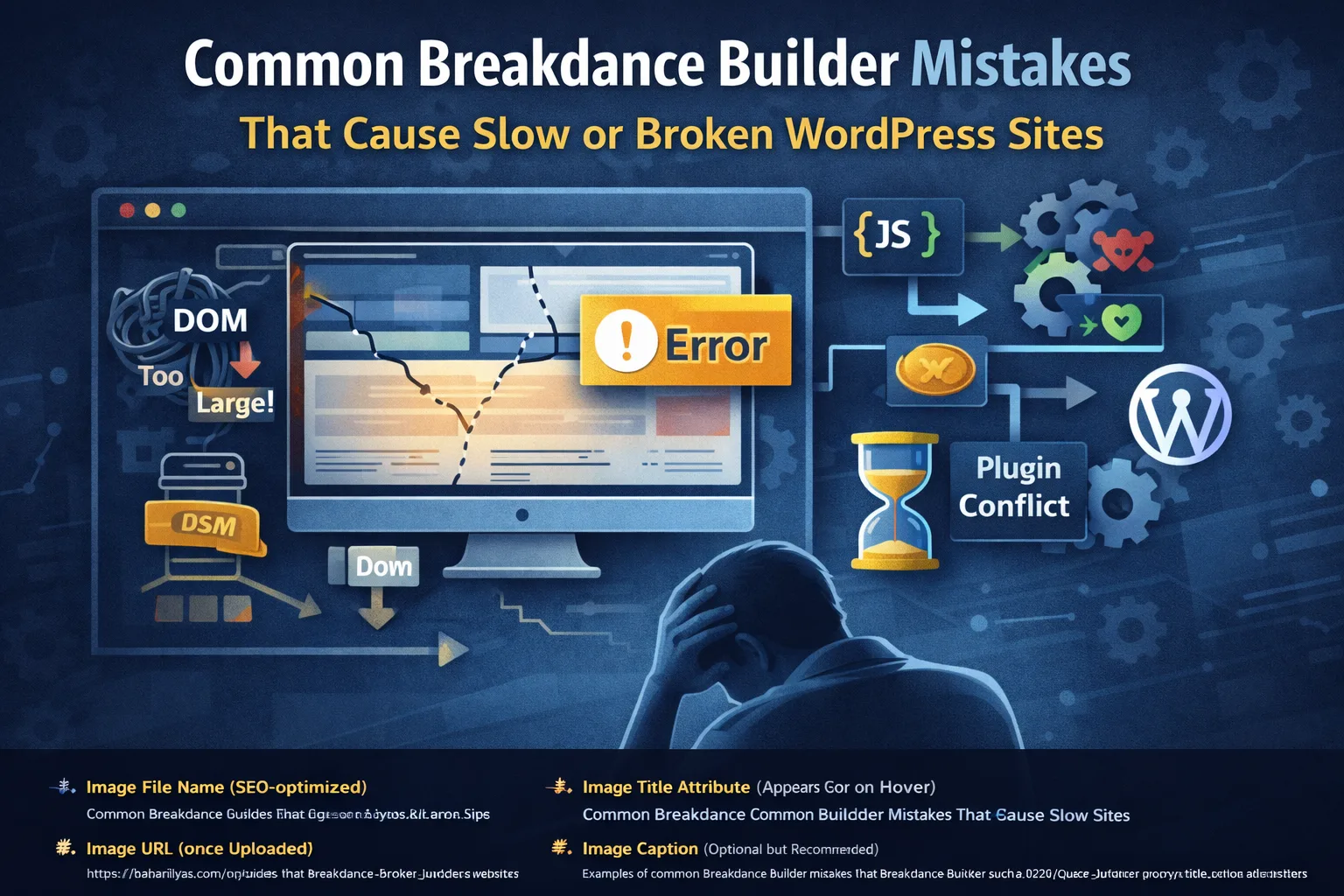
The most common Breakdance Builder mistakes include overbuilding layouts with too many containers, misusing query loops, loading heavy elements globally, and relying on caching to fix structural issues. These mistakes often lead to slow performance, broken layouts, or unpredictable behavior.
Breakdance Builder is fast, flexible, and developer-friendly, but most slow or broken Breakdance sites fail for the same reason: misuse, not limitations. The builder itself rarely causes performance or stability issues. Instead, common Breakdance Builder mistakes around layout structure, dynamic data, templates, and asset loading are what usually lead to slow pages, broken layouts, or unpredictable behavior.
This guide walks through the most common mistakes developers and site owners make when using Breakdance and explains how to avoid them before they hurt performance or reliability.
Mistake 1: Overbuilding Layouts With Excessive Containers
One of the fastest ways to slow down a Breakdance site is excessive nesting. Stacking sections inside sections, then wrapping everything in multiple Div blocks, quickly creates a bloated DOM.
This directly impacts render time and interaction readiness.
Breakdance performance issues caused by DOM bloat were covered in detail in this guide:
Why This Causes Problems
- Larger DOM trees take longer to parse and render
- Browser layout calculations become more expensive
- Mobile devices suffer the most
How to Fix It
- Use fewer containers
- Flatten layouts wherever possible
- Prefer semantic elements over generic Divs
- Remove wrappers used only for spacing and replace them with CSS
External reference on DOM size and performance:
Mistake 2: Using Heavy Elements Everywhere
Sliders, carousels, advanced animations, tabs, and popups are useful tools, but using them everywhere is a performance killer.
Each interactive component introduces JavaScript, layout recalculations, and repaint costs.
External reference on JavaScript performance impact:
Best Practice
Use heavy components only where they add real value. Static content should stay static.
Mistake 3: Ignoring Dynamic Data and Loop Performance
Breakdance makes it easy to build dynamic listings, but misuse of query loops is a major cause of slow pages and database strain.
Common loop mistakes include:
- Multiple query loops on one page
- Unrestricted post counts
- Meta queries without indexes
- Nested loops inside templates
We covered how Breakdance handles loops and dynamic data in depth here:
External reference for WordPress query performance fundamentals:
How to Fix It
- Limit posts per query
- Avoid nested loops
- Use repeaters instead of queries when data already exists
- Cache pages that rely on dynamic queries
Mistake 4: Bloated Global Templates
Another critical Breakdance Builder mistake is loading too much into global templates.
Headers, footers, and base templates should be lightweight. When developers add sliders, popups, dynamic queries, or complex logic into global templates, every page inherits that cost.
Why This Breaks Sites
- Increased DOM size site-wide
- JavaScript loaded on every page
- Debugging becomes harder because issues appear everywhere
Best Practice
Keep templates minimal and page-specific logic isolated.
Mistake 5: Hiding Elements Instead of Removing Them
Using display none or conditional visibility incorrectly is a subtle but common mistake.
Hidden elements still:
- Exist in the DOM
- Consume memory
- Can load scripts and assets
This undermines performance optimization entirely.
External reference on render performance:
Correct Approach
If an element is not needed for a breakpoint or condition, remove it entirely or use proper conditional rendering.
Mistake 6: Loading Fonts and Assets Globally
Fonts and global assets are one of the most overlooked Breakdance Builder mistakes.
Common problems include:
- Loading too many font families
- Loading multiple font weights site-wide
- Applying typography globally when only needed on a few pages
This leads to render-blocking and slower First Contentful Paint.
External reference on font loading performance:
Mistake 7: Relying on Caching to Fix Structural Issues
Caching improves delivery but does not fix bad structure.
If your Breakdance site is slow due to:
- Excessive DOM size
- Heavy JavaScript usage
- Poor loop design
Caching will only hide the problem, not solve it.
For broader WordPress performance context, this article pairs well with Breakdance optimization:
Mistake 8: Mixing Too Many Third-Party Plugins
Breakdance works best when it controls layout and rendering. Installing multiple plugins that:
- Inject scripts
- Modify content output
- Add shortcodes
- Override styles
can easily cause conflicts or broken layouts.
External reference on plugin performance impact:
Best Practice
Audit plugins regularly and remove anything that duplicates Breakdance functionality.
Mistake 9: Not Testing Changes Incrementally
Many Breakdance issues appear after multiple changes are pushed at once.
Without incremental testing:
- Performance regressions go unnoticed
- Layout bugs become harder to trace
- Rollbacks become painful
Use Lighthouse, Chrome DevTools, and staging environments to test each major change.
External reference on performance testing:
How to Avoid Breakdance Builder Mistakes Long Term
To keep Breakdance sites fast and stable:
- Build lean layouts
- Treat dynamic data with care
- Keep templates minimal
- Measure performance continuously
- Optimize structure before caching
Breakdance rewards discipline more than shortcuts.
Need Help Fixing a Slow or Broken Breakdance Site?
If your site is already slow or behaving unpredictably, a developer-level audit can identify structural issues quickly and prevent long-term problems.