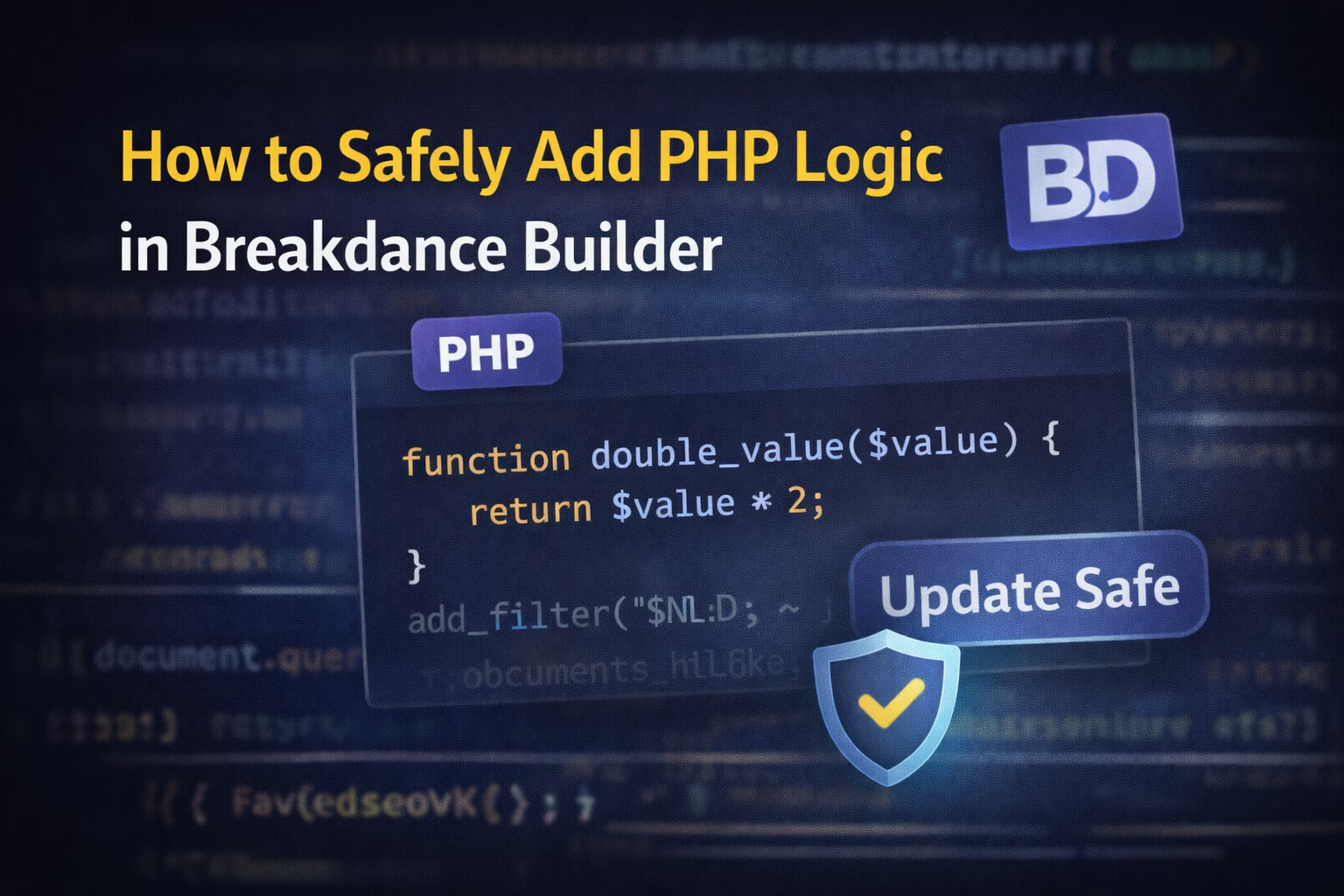
No — and you shouldn’t try. Breakdance is not designed to execute PHP inside its layout elements. PHP must run server-side before rendering, which is why logic belongs in plugins or theme files, not the builder UI.
If you’re working with Breakdance Builder and feel the urge to “just drop some PHP somewhere,” stop for a second.
Yes — Breakdance is powerful.
Yes — it supports dynamic data.
But adding PHP the wrong way can absolutely destroy your site during the next update.
This guide explains:
- Why PHP inside builders is dangerous
- How Breakdance actually executes logic
- Where PHP belongs
- Update-safe patterns you can reuse on every project
This is not beginner advice.
This is real-world developer discipline.
Why Adding PHP Directly in Breakdance Is Dangerous
Let’s be blunt.
If you:
- Edit Breakdance core files
- Inject PHP via hacks
- Modify plugin files directly
You are guaranteeing future breakage.
Why?
- Breakdance updates overwrite plugin files
- PHP errors = white screen of death
- No rollback safety
- No version control
Breakdance is not designed for inline PHP execution inside elements — and that’s a good thing.
This same design philosophy is why:
- JavaScript behaves differently
👉 https://babarilyas.com/breakdance-custom-javascript-not-working/ - Script loading is stricter than Elementor
👉 https://babarilyas.com/breakdance-loads-scripts-differently-elementor/
How Breakdance Actually Executes Logic (Important Context)
Breakdance works on separation of concerns:
- PHP → server-side logic
- Breakdance → layout & rendering
- Dynamic Data → safe bridge between the two
Breakdance:
- Does NOT want PHP in layouts
- DOES want structured data passed to layouts
- Assumes logic lives elsewhere
If you fight this architecture, you lose.
If you work with it, everything becomes clean.
Safe Ways to Add PHP Logic in Breakdance (These Actually Work)
Let’s talk about correct patterns.
✅ Method 1: Custom Plugin (BEST PRACTICE)
This is the gold standard.
Create a small custom plugin:
- Holds all PHP logic
- Safe from updates
- Easy to maintain
- Reusable across projects
Example structure:
/wp-content/plugins/breakdance-custom-logic/
  breakdance-custom-logic.php
Inside:
- Custom functions
- Filters
- Hooks
- Shortcodes (if needed)
Breakdance then consumes the output, not the logic itself.
This is how professionals work.
✅ Method 2: Child Theme functions.php
Acceptable, but with caveats.
Use this when:
- Logic is theme-specific
- You control the theme
- You understand theme lifecycle
Avoid:
- Huge logic blocks
- Business rules
- API-heavy code
Child themes are fine — plugins are safer.
✅ Method 3: Hooks & Filters (Highly Recommended)
Breakdance exposes hooks you can leverage.
Use hooks when:
- Modifying output
- Altering dynamic data
- Injecting conditions
Hooks:
- Are update-safe
- Respect WordPress architecture
- Keep logic decoupled
This also avoids layout/cache issues like:
👉 https://babarilyas.com/breakdance-layout-breaks-after-cache-clear/
Using PHP With Breakdance Dynamic Data (Correct Way)
This is where Breakdance shines.
Correct flow:
- PHP prepares the data
- Data is returned cleanly
- Breakdance renders it dynamically
Examples:
- Computed values
- User-based conditions
- ACF preprocessing
- API responses
This prevents:
- Context mismatch
- Loop confusion
- Silent rendering failures
If you’ve had ACF issues before, this explains why:
👉 https://babarilyas.com/acf-dynamic-fields-not-showing-breakdance/
What NOT to Do (Please Don’t)
Let’s kill bad habits:
❌ Editing Breakdance plugin files
❌ Adding PHP via unsafe snippets plugins
❌ Logic inside templates
❌ Depending on editor-only behavior
❌ “It works now so it’s fine” mindset
That’s how production sites die.
Update-Safe Architecture for Breakdance Projects
If you want zero fear during updates, follow this rule:
Breakdance = UI
PHP = Plugin
Data = Dynamic Bridge
This architecture gives you:
- Clean updates
- Easy debugging
- Predictable behavior
- Scalable projects
It also makes teams and handovers easier.
When You Should Avoid PHP Altogether
Sometimes PHP is overkill.
Avoid PHP when:
- Breakdance dynamic conditions can handle it
- ACF logic is enough
- JS can handle frontend-only behavior
More PHP ≠ better solution.
Use it only when it adds real value.
Final Thoughts
Adding PHP logic to Breakdance is not dangerous.
Adding it carelessly is.
If you:
- Respect architecture
- Keep logic decoupled
- Use plugins or hooks
- Treat Breakdance as a renderer
You’ll never fear updates again.
If you want help structuring PHP logic properly for a serious Breakdance project, this is exactly the type of work I do.