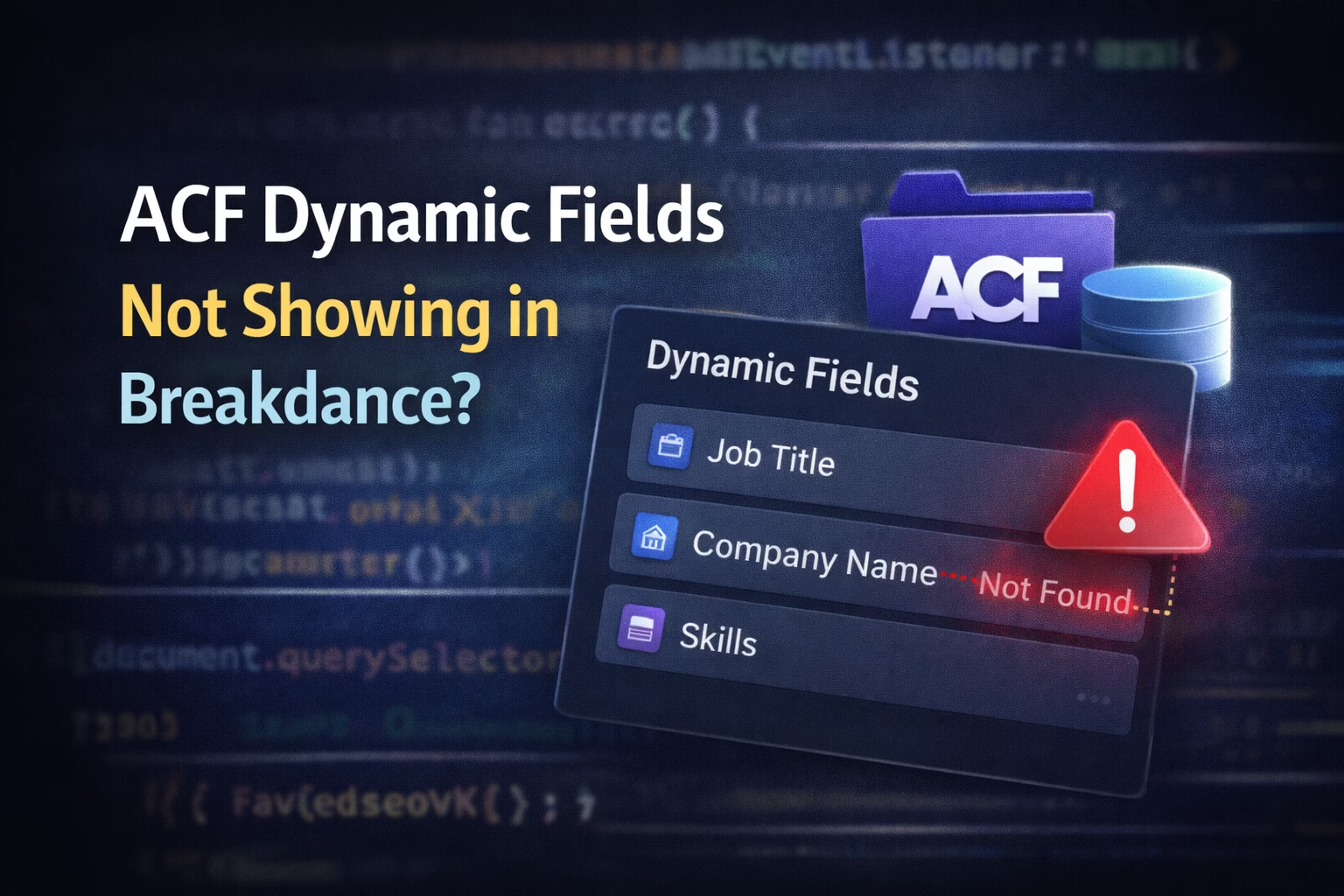
Because the editor uses a helper context that the frontend does not.
If your ACF dynamic fields are not showing in Breakdance, this usually means one thing:
👉 Breakdance doesn’t have the correct context to render the field.
The field exists.
The value is saved.
The editor may even show it.
But on the frontend? Nothing.
This guide explains the real reasons this happens and the exact fixes that work, without guessing.
How Breakdance Handles ACF Dynamic Data
Breakdance does not output ACF fields blindly.
Before rendering a value, it checks:
- Current post context
- Query or loop scope
- Field location (post, term, user, options)
- Whether the element supports dynamic data
If any of these are wrong, the field outputs nothing — no error, no warning.
This silent failure pattern also appears with:
- JavaScript timing issues → https://babarilyas.com/breakdance-custom-javascript-not-working/
- iframe embed issues → https://babarilyas.com/breakdance-iframe-not-loading-x-frame-options/
Real Causes (Not Myths)
Let’s break down the actual problems developers run into.
1. Wrong Post Context (MOST COMMON)
ACF fields are attached to a specific post or object.
If Breakdance is rendering:
- An archive
- A template
- A loop
- A dynamic query
…then get_field() has no idea which post to read from.
Symptoms
- Field works on single post
- Field fails inside loops or templates
- Editor preview shows value, frontend does not
Fix
Use Breakdance’s loop context properly:
- Use Loop Builder
- Ensure the element is inside the loop
- Avoid relying on global post context
2. Field Exists, But Location Rule Is Wrong
ACF location rules are often overlooked.
Example:
- Field group is assigned to Pages
- You’re viewing a Custom Post Type
Result?
Field never loads.
Fix Checklist
- Verify ACF field group location rules
- Match post type exactly
- Confirm template applies to same post type
3. ACF Options Page Fields (Special Case)
Options page fields are not attached to posts.
If you try to render them normally, Breakdance won’t know where to look.
Fix
When using PHP:
get_field('field_name', 'option');In Breakdance:
- Use Options Page context in Dynamic Data
- Don’t use post-based fields
4. Using Repeaters Without a Loop
Repeaters require iteration.
If you try to output a repeater sub-field directly, it will fail.
Wrong
- Text element → dynamic data → repeater sub-field
Correct
- Add Loop Builder
- Set loop to repeater field
- Output sub-fields inside loop
This is one of the most common reasons ACF content “disappears”.
5. Editor vs Frontend Mismatch
Breakdance editor often shows:
- Sample data
- Cached values
- Helper context
Frontend:
- Real query
- Real post object
- No editor helpers
If it works only in the editor, you likely have a context or loop issue.
This same mismatch causes script problems too:
👉 https://babarilyas.com/breakdance-loads-scripts-differently-elementor/
6. ACF Field Returns Empty Value
Sometimes the field is correct — but empty.
Common reasons:
- Field not saved
- Field hidden by conditional logic
- Field filled in a different language (WPML/Polylang)
Fix
- Double-check saved values
- Temporarily disable conditional logic
- Test without multilingual plugins
7. Caching & Template Sync Issues
Occasionally, Breakdance templates don’t refresh correctly.
Before panicking:
- Clear WordPress cache
- Clear Breakdance cache
- Hard refresh frontend
Proper cache clearing guide:
👉 https://babarilyas.com/how-to-clear-wordpress-cache/
Debugging Checklist (Use This Every Time)
Before assuming a bug, verify:
✔ Correct post type
✔ Correct template assignment
✔ Correct loop context
✔ Correct field location
✔ Field has a value
✔ Cache cleared
If one of these fails, the field won’t render.
Final Thoughts
If ACF dynamic fields are not showing in Breakdance, the issue is almost never ACF itself.
It’s usually:
- Context mismatch
- Loop misuse
- Location rule error
- Editor vs frontend confusion
Once you understand how Breakdance evaluates dynamic data, these problems become predictable — and easy to fix.
If you’re building complex layouts with ACF + Breakdance and want things wired correctly the first time, this is exactly the kind of work I help with.
👉 https://babarilyas.com/contact/