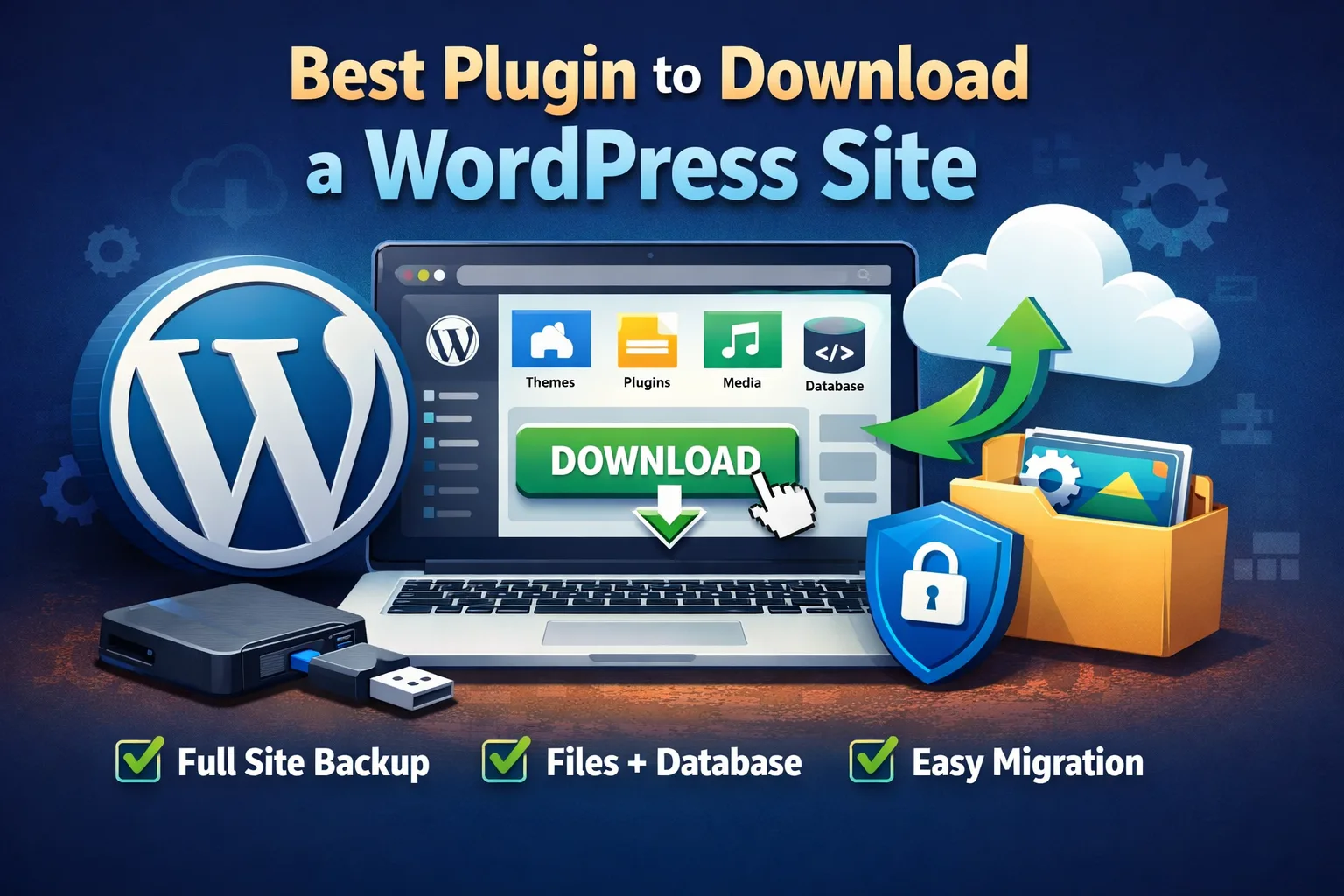
The best plugin to download a WordPress site is one that allows you to export all website files, media, themes, plugins, and the database in one complete backup without technical complexity.
If you’re searching for the best plugin to download a WordPress site, you’re likely looking for a fast, secure, and hassle-free way to create a complete backup of your website. Whether you want to migrate your site, keep a local copy, or protect your data from unexpected issues, the right WordPress plugin can make the process effortless.
A reliable WordPress download plugin allows you to export your entire website, including files, themes, plugins, media, and databases, without needing technical knowledge or hosting access. Instead of manually downloading files via FTP or dealing with complex server configurations, a single plugin can handle everything with just a few clicks.
In this guide, we’ll help you understand what makes a plugin the best choice for downloading a WordPress site, what features to look for, and how you can safely download your complete website without risking data loss or downtime.
What Does It Mean to Download a WordPress Site?
Downloading a WordPress site means creating a complete copy of your website that you can store locally on your computer or move to another server. This copy usually includes all core website files, themes, plugins, media uploads, and the database where your posts, pages, and settings are stored. Instead of accessing files one by one through FTP or hosting panels, a WordPress plugin bundles everything together into a downloadable package.
This process is commonly used for website backups, migrations, testing, or long-term data protection. When done correctly, downloading your WordPress site ensures that your content and design remain safe, even if your hosting fails or your site gets hacked.
Below are the key components involved when downloading a WordPress site.
Website Files and Folders
When you download a WordPress site, all core files such as wp-admin, wp-content, and wp-includes are included. These files control how your website functions and displays. Without them, your site cannot run properly on another server or local environment.
WordPress Database
The database stores your posts, pages, comments, user data, and site settings. A proper site download always includes a database export, usually in SQL format. This ensures your content structure remains intact when restoring or migrating the site.
You can learn more about how WordPress databases work here:
https://wordpress.org/support/article/wordpress-database-description/
Themes and Plugins
Your active theme and installed plugins are essential parts of your website. Downloading a WordPress site includes these so the design, layout, and functionality stay exactly the same when restored elsewhere.
Official WordPress plugin guidelines:
https://developer.wordpress.org/plugins/
Media Files and Uploads
Images, videos, PDFs, and other uploaded files are stored in the uploads folder. A complete site download ensures none of your media content is missing after restoration or migration.
Backup vs Migration Downloads
Downloading a site for backup focuses on safety and recovery, while downloading for migration focuses on moving the site to a new hosting provider or domain. Many plugins support both use cases with minimal setup.
Why Plugins Are the Preferred Method
Using a plugin is the easiest and safest way to download a WordPress site. Plugins automate the process, reduce human error, and don’t require technical skills like FTP or database management.
Why You Need a Plugin to Download a WordPress Site
Downloading a WordPress site manually can be complicated, time-consuming, and risky—especially if you’re not familiar with servers, FTP, or databases. A WordPress plugin simplifies the entire process by automating file collection, database export, and packaging everything into a single downloadable backup. This reduces the chance of missing important files or breaking your website.
Using a plugin also ensures consistency. Your site’s structure, content, and settings remain exactly the same when restored or migrated. Whether you’re creating a backup, moving to a new host, or protecting your site from data loss, a plugin offers a safe, reliable, and beginner-friendly solution.
Below are the main reasons why using a plugin is the best approach.
No Technical Skills Required
WordPress plugins are designed for non-technical users. You don’t need to understand FTP connections, phpMyAdmin, or server configurations. Most plugins allow you to download your full site with just a few clicks from the WordPress dashboard.
Saves Time and Effort
Manually downloading files and exporting databases can take hours and often leads to mistakes. A plugin automates the entire process, completing the download quickly and efficiently without interrupting your website’s performance.
Ensures Complete Website Backup
Plugins ensure that nothing is left behind. From core files and databases to themes, plugins, and media uploads, everything is included in one complete package. This guarantees a reliable restore whenever needed.
Reduces Risk of Data Loss
Human error is one of the biggest risks when handling manual backups. Plugins follow a structured backup process, reducing the chances of corrupted files, missing data, or incomplete downloads.
Easy Site Migration and Restoration
Most WordPress download plugins support one-click restoration or migration. This makes moving your website to a new hosting provider or domain simple and stress-free, even for beginners.
Reliable for Long-Term Website Security
Regularly downloading and storing backups keeps your website safe from hacking, server crashes, or accidental changes. A plugin ensures you always have a recoverable version of your site available.
Key Features to Look for in a WordPress Download Plugin
Not all WordPress download plugins offer the same level of reliability and security. Choosing the right plugin is essential to ensure your website is downloaded completely, safely, and without errors. A good plugin should simplify the backup or export process while protecting your data and site performance.
Whether you’re downloading your site for backup, migration, or offline storage, the following features help determine which plugin is worth using.
Complete Website Backup Support
A quality plugin should download everything—core WordPress files, database, themes, plugins, and media uploads. Partial backups can lead to broken sites during restoration or migration.
WordPress backup basics:
https://wordpress.org/support/article/wordpress-backups/
One-Click Download and Export
Ease of use is critical, especially for beginners. The best plugins allow you to download your entire WordPress site with a single click, directly from the dashboard, without technical setup or manual steps.
Database Export Included
Your website content lives in the database. A reliable plugin must include automatic database export (usually in SQL format) so posts, pages, users, and settings remain intact after restoration.
Secure and Encrypted Backups
Security should never be optional. Look for plugins that support encrypted backups or secure storage options to protect sensitive data from unauthorized access.
Compatibility With Hosting Providers
Some plugins struggle with shared hosting limits or server restrictions. A good download plugin should work smoothly across popular hosting environments without causing timeouts or performance issues.
Easy Restore and Migration Options
Downloading a site is only useful if you can restore it easily. The best plugins provide simple restore or migration tools, allowing you to upload your backup and get your site running again quickly.
Common Mistakes to Avoid When Downloading a WordPress Site
Downloading a WordPress site may seem straightforward, but small mistakes can lead to broken backups, missing data, or failed restorations. Many users assume that once the download is complete, the job is done—only to discover later that important files or database content were not included.
Avoiding these common mistakes will help ensure your WordPress site download is complete, secure, and usable when you need it most.
Downloading Only Website Files and Ignoring the Database
One of the most common mistakes is downloading site files without exporting the database. Your posts, pages, users, and settings are stored in the database, and without it, your site cannot be restored properly.
Using Unreliable or Outdated Plugins
Plugins that are no longer updated or poorly rated can cause incomplete downloads or security risks. Always choose plugins that are actively maintained and compatible with the latest WordPress version.
Not Testing the Downloaded Backup
Many users download their site but never test the backup. This can be risky because corrupted or incomplete backups often go unnoticed until it’s too late. Always test your downloaded site in a staging or local environment.
Ignoring Server and Hosting Limitations
Some hosting providers restrict file sizes, memory usage, or execution time. If these limits are ignored, your site download may fail or stop midway. Good plugins handle this automatically or offer split backups.
WordPress hosting requirements:
https://wordpress.org/about/requirements/
When It’s Time to Get Professional WordPress Support
If problems continue even after applying common fixes, the issue is often deeper than it appears. Hidden conflicts in custom code, server-level configurations, or advanced plugin interactions can silently affect your website’s performance and stability. These issues are difficult to diagnose without technical expertise.