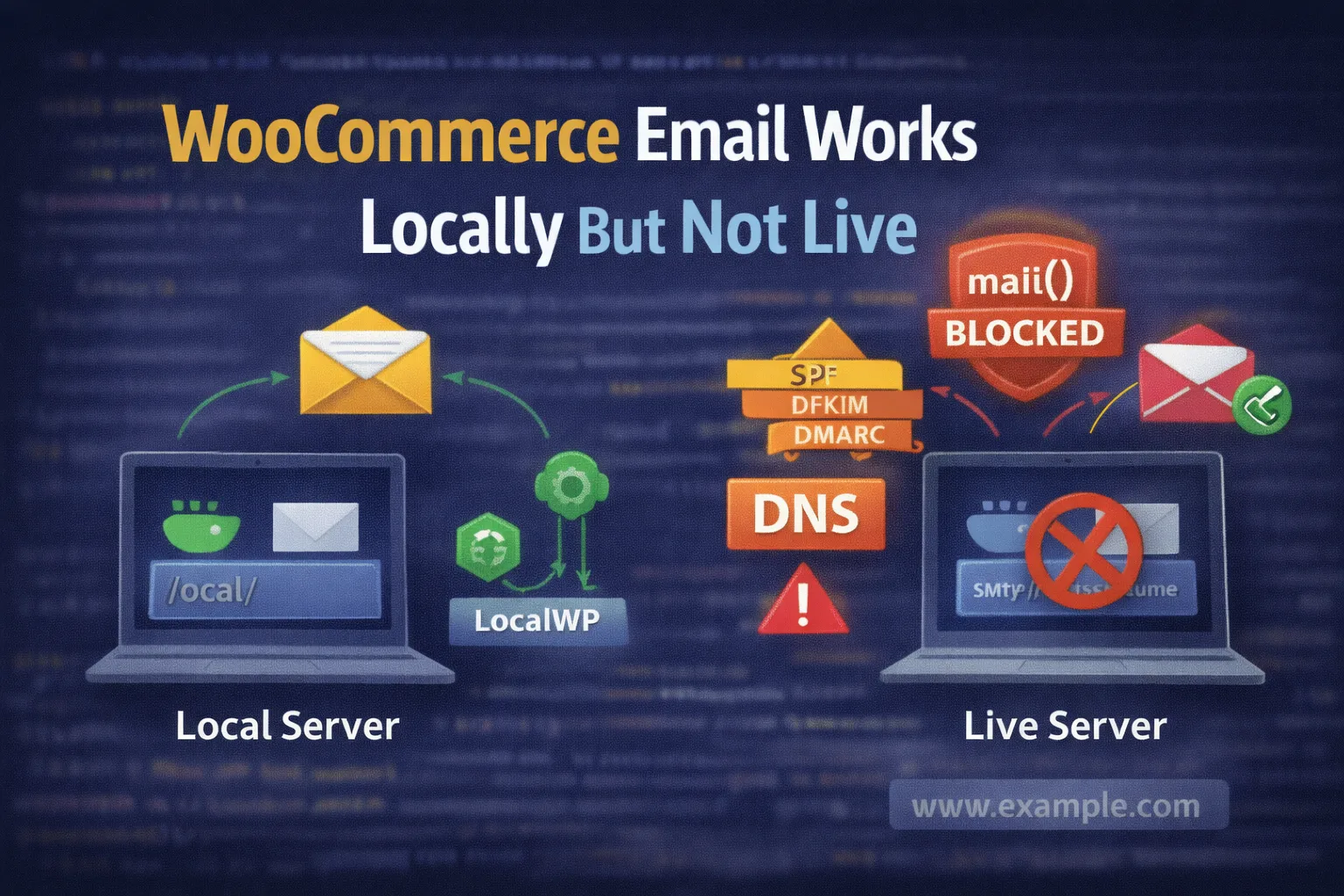
Local environments simulate email sending and don’t enforce authentication or spam rules. Live servers require proper SMTP setup, DNS records, and often block PHP’s native mail() function.
This is one of the most common (and confusing) WooCommerce problems:
- Emails send perfectly on localhost
- Emails work on staging
- But on the live server… nothing
- No order emails
- No password resets
- No admin notifications
The key thing to understand is this:
Your local environment and your live server handle email completely differently.
Once you understand why, the fix becomes very straightforward.
Why WooCommerce Emails Work Locally
On local environments (LocalWP, XAMPP, MAMP, Laravel Valet, etc.):
- Email sending is usually simulated
- Tools like MailHog / Mailpit / LocalWP inbox don’t actually send email
- No DNS checks exist
- No spam filtering
- No SMTP authentication
- No rate limits
So when WooCommerce calls wp_mail(), it “works” because nothing is blocking it.
That same call on a live server is a very different story.
Why Emails Fail on Live Servers
On production hosting, emails can fail because of:
- Hosting providers blocking PHP
mail() - Missing or invalid SPF / DKIM / DMARC
- No SMTP authentication
- “From” email not matching the domain
- Emails being sent but landing in spam
- Rate limits or firewall rules
wp_mail()being disabled or restricted
This is not a WooCommerce bug — it’s an environment issue.
Check 1: Is wp_mail() Actually Firing?
WooCommerce sends emails using WordPress’s wp_mail() function.
First, confirm emails are triggered at all.
Quick test
- Place a test order
- Enable order emails in WooCommerce → Settings → Emails
- Check WooCommerce → Status → Logs for mail-related errors
WordPress email relies entirely on <a href="https://developer.wordpress.org/reference/functions/wp_mail/" target="_blank" rel="noreferrer noopener">wp_mail()</a>:
If no logs appear and no emails arrive, the mail function is likely blocked downstream.
Check 2: Your Host Is Blocking PHP mail()
Many hosts block or heavily restrict PHP’s native mail() function to prevent spam.
This includes:
- Shared hosting
- Cheap VPS plans
- Managed WordPress hosting
- Hosts requiring SMTP authentication
On localhost, mail() is allowed.
On production, it often isn’t.
This is the #1 reason emails stop after going live.
Check 3: SMTP vs PHP Mail (The Real Fix)
On live servers, SMTP is required.
SMTP:
- Authenticates email
- Improves deliverability
- Works with Gmail, Outlook, Yahoo
- Is what real email servers expect
WooCommerce doesn’t send SMTP by default — WordPress doesn’t either.
This is why emails “work locally” but not live.
Google Workspace SMTP setup reference:
Check 4: Missing SPF, DKIM, and DMARC (Silent Killer)
Even if emails are sent, they may be silently rejected or sent straight to spam.
Your domain must have:
- SPF
- DKIM
- DMARC
Without these, email providers assume spoofing.
This is especially common when:
- Using Gmail/Google Workspace
- Using a custom domain
- Migrating sites
- Changing hosts
Google’s official SPF/DKIM guidance:
If these records are missing, WooCommerce emails may appear to “not send” — when they’re actually discarded.
Check 5: From Address & Domain Mismatch
Another very common mistake:
- Site domain:
example.com - From email:
wordpress@gmail.com
This will fail or go to spam on most servers.
Best practice
- From email should match the domain:
orders@example.comno-reply@example.com
WooCommerce email settings:
WooCommerce → Settings → Emails → Email sender options
Domain mismatch is a major deliverability red flag.
Check 6: Emails Are Sending… But Going to Spam
Before assuming emails aren’t sending:
- Check spam
- Check promotions tab (Gmail)
- Check server mail logs (if available)
WooCommerce order emails are transactional, but without proper auth, inboxes still reject them.
SMTP + DNS fixes this.
Check 7: WooCommerce Email Settings Are Disabled or Filtered
It sounds obvious, but it happens a lot.
Verify:
- Email notifications are enabled
- Correct recipient is set
- Emails aren’t disabled programmatically
- No custom code filtering
woocommerce_email_enabled_*
WooCommerce email system overview:
Hosting-Level Issues That Break Email
Some hosts:
- Block outbound SMTP ports
- Limit emails per hour
- Disable mail entirely
- Require their own SMTP service
If checkout, AJAX, or performance issues also exist, it often points to hosting limits:
Email, checkout, and AJAX failures often share the same root cause: hosting restrictions.
Production-Safe Fix (What Actually Works)
For live WooCommerce sites, the stable setup is:
- Use SMTP (Google Workspace, Outlook, or host SMTP)
- Match “From” email to domain
- Add SPF, DKIM, DMARC
- Avoid PHP
mail() - Test with real inboxes
- Monitor spam placement
Once configured, emails become reliable and predictable.
Why This Always Breaks After Launch
On localhost:
- No restrictions
- No DNS
- No spam rules
On production:
- Email reputation matters
- Authentication matters
- Hosting policies matter
This is why clients say:
“It worked before we went live.”
It did — because the environment changed.
Related Troubleshooting Guides
If email issues appeared alongside checkout or AJAX problems, these are worth reviewing: