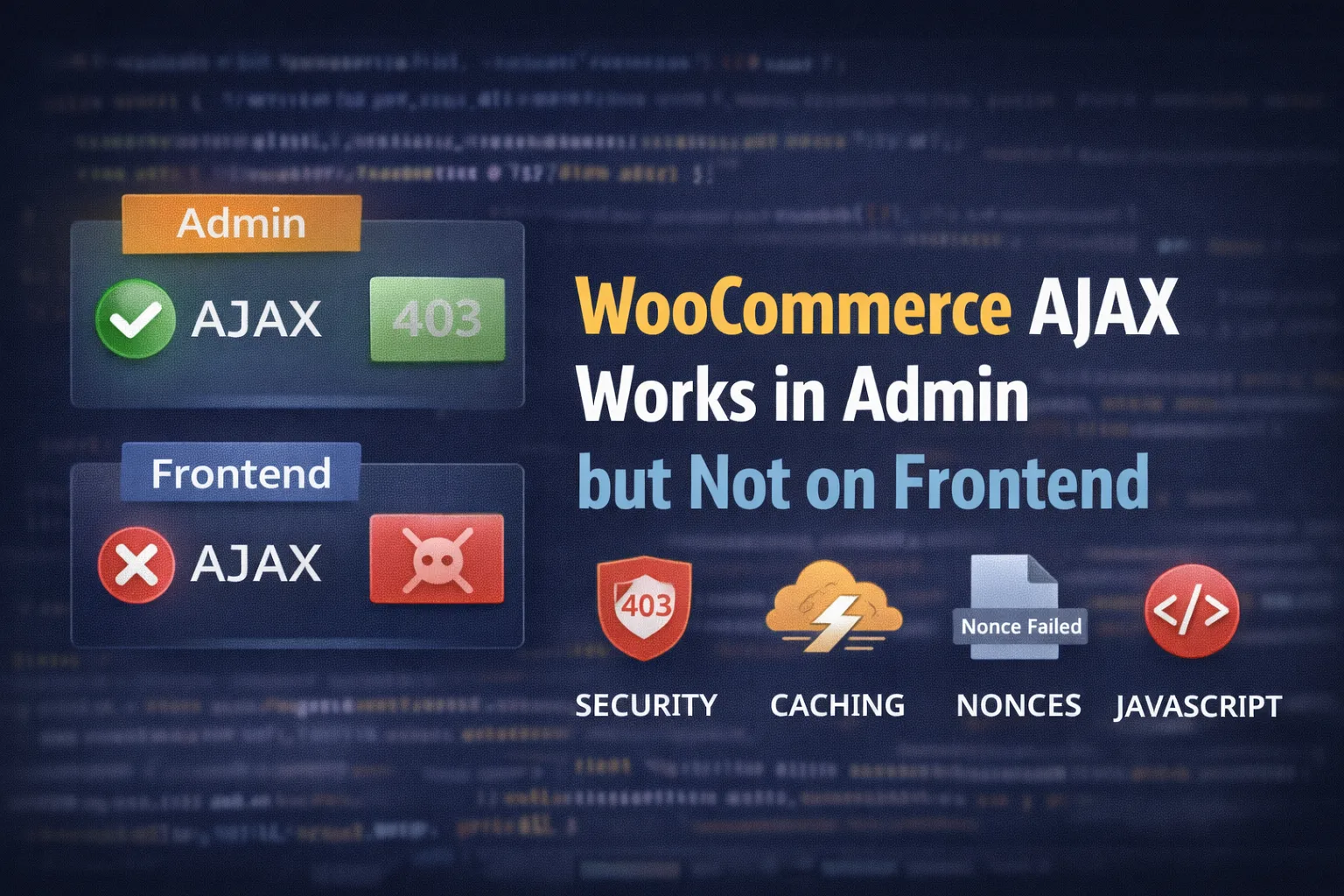
Because admin requests are authenticated, uncached, and less restricted. Frontend AJAX requests often fail due to caching, security rules, stale nonces, JavaScript errors, or blocked cookies.
When AJAX “works in wp-admin” but fails on the public site, it usually means one thing:
Admin requests are authenticated + uncached + less restricted, while frontend requests hit caching, security rules, JS conflicts, cookie/session rules, and sometimes a different endpoint.
This guide gives you a clean, dev-style checklist to find the exact cause fast.
What “AJAX works in admin” really means
In admin, WordPress runs with:
- Logged-in cookies + capabilities
- Nonces that aren’t being cached
- Fewer minification/optimization layers
- Often bypassed WAF/security rules
On the frontend, the same AJAX call can fail because:
- The nonce is stale (cached HTML)
- The request is blocked (WAF/security)
- A JS error prevents WooCommerce scripts from running
- Cookies/sessions aren’t persisting
- You’re using the wrong endpoint (
admin-ajax.phpvs/wc-ajax/…)
60-second diagnosis checklist
Open DevTools → Console + Network, then reproduce the issue.
Look for:
- Console errors
Uncaught TypeError…$ is not definedwc_checkout_params is undefinedjQuery is not defined
- Network request
- Status
403/401/400/500 - Response body contains “Forbidden”, “Nonce failed”, “0”, or HTML instead of JSON
- Request is going to:
admin-ajax.php?wc-ajax=...or/wc-ajax/...
- Cookies
- Are WooCommerce cookies being set?
- Is the request missing cookies (SameSite / blocked third-party cookies)?
Check 1: A JavaScript error is stopping WooCommerce before it runs
This is the #1 cause.
If any script throws an error early, it can prevent WooCommerce’s scripts from initializing (cart fragments, checkout refresh, add-to-cart, etc.).
Fix
- Resolve the first console error (ignore the rest until the first is fixed).
- Common culprits:
- Broken theme JS
- Outdated jQuery code
- Optimization plugins combining scripts badly
- Missing dependency ordering
Quick test
- Temporarily disable minify/combine/defer settings and retest.
- Switch to a default theme briefly (Storefront / Twenty Twenty-Four) to confirm theme conflict.
Check 2: You’re hitting the wrong endpoint (admin-ajax vs wc-ajax)
WooCommerce uses both patterns depending on what you’re doing:
- WordPress AJAX:
admin-ajax.phpwith actions like:wp_ajax_{action}wp_ajax_nopriv_{action}
- WooCommerce AJAX:
wc-ajaxendpoints like:?wc-ajax=get_refreshed_fragments?wc-ajax=update_order_review
If your custom frontend AJAX is calling admin-ajax.php but you only registered wp_ajax_... (logged-in), it will work in admin and fail for guests.
Fix
Make sure you have BOTH hooks:
add_action('wp_ajax_my_action', 'my_action_handler');
add_action('wp_ajax_nopriv_my_action', 'my_action_handler');

function my_action_handler() {
  // your logic
  wp_send_json_success(['ok' => true]);
}
Check 3: Cached pages are serving a stale nonce (classic “admin works, frontend fails”)
Many WooCommerce frontend actions rely on nonces embedded in page HTML or localized JS objects.
If your caching layer serves a cached product/cart/checkout page, the nonce can be stale, causing:
400errors- “invalid nonce”
- silent failures with response
-1or0
Fix
- Exclude these pages from page cache:
- Cart
- Checkout
- My Account
- If you use aggressive caching: also exclude pages where your AJAX depends on fresh nonces.
Also exclude WooCommerce scripts from minify/combine if needed
wc-checkoutwc-cart-fragmentswoocommercejs-cookie(or whatever cookie lib your setup uses)
Check 4: Security plugin / WAF is blocking AJAX on the frontend (403/401/400)
This is super common with:
- Wordfence / iThemes / Sucuri
- Cloudflare WAF / Bot Fight Mode
- Hosting firewalls
Admin often works because your IP/session is trusted, while anonymous frontend traffic gets blocked.
Fix
- Whitelist or bypass rules for:
admin-ajax.phpwc-ajaxendpoints
- Disable “block bad bots” / “challenge” temporarily and retest.
- If you see
<a href="https://babarilyas.com/admin-ajax-400-403-errors-woocommerce/">403</a>only on specific actions, whitelist that query pattern.
Check 5: Your theme is missing wp_head() or wp_footer()
If the theme is missing these, WooCommerce scripts (and localized params like wc_add_to_cart_params) may never load.
Fix
In your theme files:
header.php
<head>
  <?php wp_head(); ?>
</head>
footer.php
  <?php wp_footer(); ?>
</body>
Without these, “admin works” is totally possible, while frontend breaks hard.
Check 6: Mixed content / HTTPS / Cloudflare proxy issues
Symptoms:
- AJAX URL is
http://while your site ishttps:// - Browser blocks request (Mixed Content)
- Redirect loops or
307/308on AJAX calls - WooCommerce endpoints break behind proxy/CDN
Fix
- Ensure WordPress Address + Site Address are both HTTPS
- Ensure your reverse proxy/CDN is configured to send correct HTTPS headers
- In some setups you must ensure WordPress detects HTTPS properly (hosting/CDN-specific)
Check 7: Cookies / sessions are failing on the frontend
If cookies aren’t persisting, WooCommerce can’t maintain session state for:
- cart fragments
- checkout updates
- cart totals refresh
- login/account actions
Common causes:
- Cookie consent plugin blocking Woo cookies
- SameSite rules interfering in embedded contexts
- Cross-domain setups (checkout on different subdomain)
- Aggressive cache clearing cookies
Fix
- Test in an incognito window with no extensions
- Ensure cookies exist for WooCommerce:
- cart hash / items in cart cookies
- session cookie
- If you’re embedding the store in an iframe or cross-domain, you may hit modern browser cookie restrictions.
Our Guide on woocommerce cart getting empty on refresh
Check 8: REST API or Heartbeat is blocked
Some stacks block /wp-json/ or disable Heartbeat, and certain setups/themes rely on it indirectly for frontend behavior (or related auth/cookie flows).
Fix
- Ensure
/wp-json/returns normally (not 403) - If blocked by security/WAF, whitelist it
- Ensure your optimization plugin isn’t fully disabling Heartbeat in a way that breaks admin/frontend expectations
Fix summary (quick “do this” list)
- Fix first Console error
- Disable combine/minify/defer temporarily and retest
- Confirm endpoint in Network:
admin-ajax.phpvswc-ajax
- Make sure
wp_ajax_nopriv_...is registered for guest actions - Exclude cart/checkout/account from page cache
- Whitelist
admin-ajax.php+wc-ajaxin security/WAF - Verify
wp_head()+wp_footer()exist - Verify HTTPS/mixed content isn’t blocking requests
- Verify cookies/sessions persist