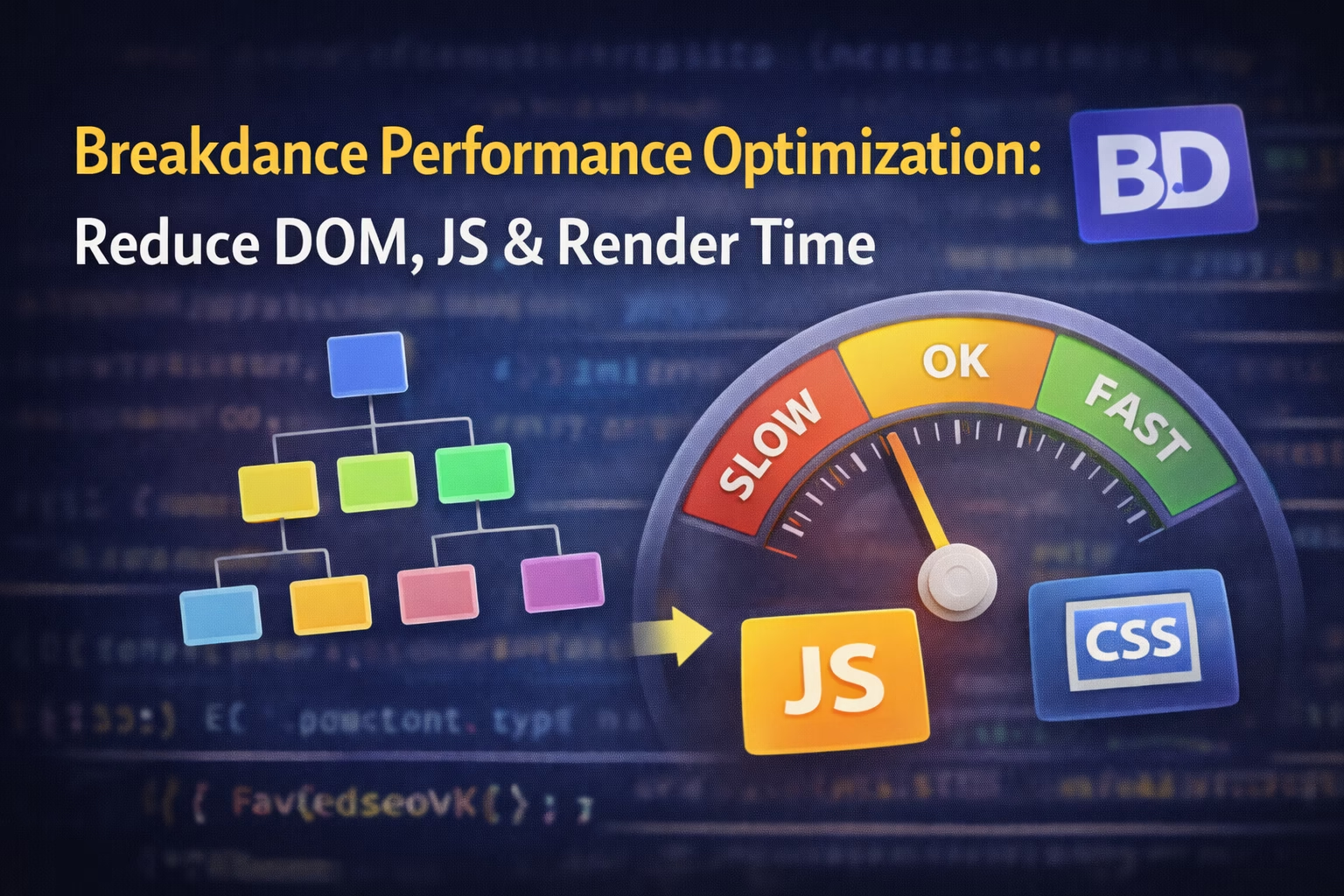
Breakdance is marketed as a performance-first WordPress builder—and technically, it is.
But if your Breakdance site is slow, failing Core Web Vitals, or bloated with unnecessary DOM and JavaScript, that doesn’t mean Breakdance is lying.
It means performance in Breakdance is architectural, not automatic.
This article explains:
- why Breakdance can be fast but often isn’t
- how DOM size and JavaScript actually grow
- what causes render delays
- and how to optimize safely without breaking layouts or updates
This is written for developers, not checklist chasers.
Why Breakdance Can Be Fast (But Often Isn’t)
Breakdance gives you low-level control compared to builders like Elementor.
That’s a double-edged sword.
- Elementor hides complexity → predictable output, heavier baseline
- Breakdance exposes structure → lighter baseline, easier to misuse
If you design without understanding how Breakdance builds markup and loads assets, you’ll accidentally create:
- deep DOM trees
- unnecessary wrappers
- JavaScript-heavy components
- render-blocking CSS
Performance problems in Breakdance are almost always design decisions, not bugs.
How Breakdance Builds the DOM (This Matters a Lot)
Every element you add in Breakdance becomes real HTML markup, not abstract widgets.
A common mistake is nesting like this:
Visually harmless.
Performance-wise? That’s DOM bloat.
Browsers pay a cost for:
- DOM depth
- node count
- layout recalculations
- style recalculations
Large DOMs slow down:
- First Contentful Paint
- Interaction readiness
- Mobile performance especially
This is why Breakdance performance optimization starts with layout discipline, not plugins.
Reducing DOM Size in Breakdance (The Right Way)
1. Stop Over-Nesting Containers
Most layouts do not need:
- Section → Container → Div → Div → Content
Breakdance already gives you:
- flexible containers
- grid + flex controls
- spacing utilities
Use one container where possible.
Reducing DOM Size in Breakdance (The Right Way)
1. Stop Over-Nesting Containers
Most layouts do not need:
- Section → Container → Div → Div → Content
Breakdance already gives you:
- flexible containers
- grid + flex controls
- spacing utilities
Use one container where possible.
3. Avoid “Design for the Editor” Mentality
Many people design visually for comfort:
- extra wrappers “just in case”
- containers for alignment that could be done with CSS
This creates a DOM that looks fine but performs badly.
If you’ve ever wondered why your layout breaks after cache clear, it’s often tied to this structural complexity:
👉 Breakdance Layout Breaks After Cache Clear – What’s Actually Going Wrong
JavaScript in Breakdance: Where Performance Is Lost
Breakdance loads JavaScript per feature, not globally.
This is good—but only if you’re intentional.
What Adds JavaScript Automatically
- Sliders
- Tabs
- Accordions
- Dynamic visibility
- Interactive animations
Each one adds:
- JS execution time
- event listeners
- layout recalculations
Using 5 “small” interactive elements can be worse than one large one.
Editor vs Frontend JS Behavior
Just like CSS, Breakdance behaves differently in the editor.
In the editor:
- scripts are relaxed
- conditions are ignored
- everything loads for usability
On the live site:
- JS loads conditionally
- scripts may be deferred
- execution order matters
This is the same reason custom JS sometimes works in editor but not live:
👉 Why Custom JavaScript Does Not Run in Breakdance Builder
Reducing JavaScript Execution in Breakdance
1. Remove Interactivity You Don’t Need
Ask this honestly:
- Does this slider need JS?
- Does this animation add value?
- Is this interaction purely decorative?
Static content always wins for performance.
2. Prefer CSS Over JS Whenever Possible
Breakdance supports:
- hover effects
- transitions
- responsive styling
- layout changes
If something can be done in CSS, do not use JS.
This also avoids issues like:
- JS loading before markup
- scripts breaking after cache clear
- race conditions
3. Be Careful With Custom JavaScript Placement
If you add JS:
- don’t inject it into random elements
- don’t rely on editor behavior
- don’t assume DOM readiness
There’s a safe pattern for this covered here:
👉 How to Safely Add PHP Logic in Breakdance Builder (Without Breaking Updates)
(the same principle applies to JS architecture)
Render-Blocking CSS & JS Explained (Breakdance Context)
Render-blocking happens when the browser must wait before painting content.
In Breakdance, this usually comes from:
- critical CSS being delayed
- JS-heavy elements above the fold
- cache plugins modifying load order
Common Mistake
Turning on aggressive optimization without understanding Breakdance’s compiled assets.
This causes:
- layout flashes
- missing styles
- delayed interaction
Which often looks like “Breakdance is slow” but is actually misconfiguration.
Cache Plugins and Performance (Danger Zone)
Caching is necessary—but dangerous when misused.
Plugins like WP Rocket or LiteSpeed can:
- remove “unused” CSS that Breakdance actually needs
- delay JS that controls layout
- cache outdated compiled files
This is why performance tuning and layout issues are often connected.
If your CSS behaves inconsistently, see:
👉 Why Breakdance Custom CSS Works in Editor but Not on Live Site
A Safe Breakdance Performance Optimization Workflow
This is the order that actually works:
- Clean up DOM structure
- Reduce unnecessary containers
- Remove unused interactive elements
- Regenerate Breakdance files
- Test frontend without cache
- Then optimize caching and delivery
Skipping steps 1–3 and jumping straight to plugins is how sites get slower, not faster.
External References
Final Takeaway
Breakdance doesn’t magically give you performance.
It gives you control.
If you design responsibly, Breakdance can outperform most builders.
If you design visually without understanding structure, it can be just as slow.
Performance optimization in Breakdance is not about tricks—it’s about intentional architecture.