Why Breakdance Custom CSS Works in Editor but Not on Live Site
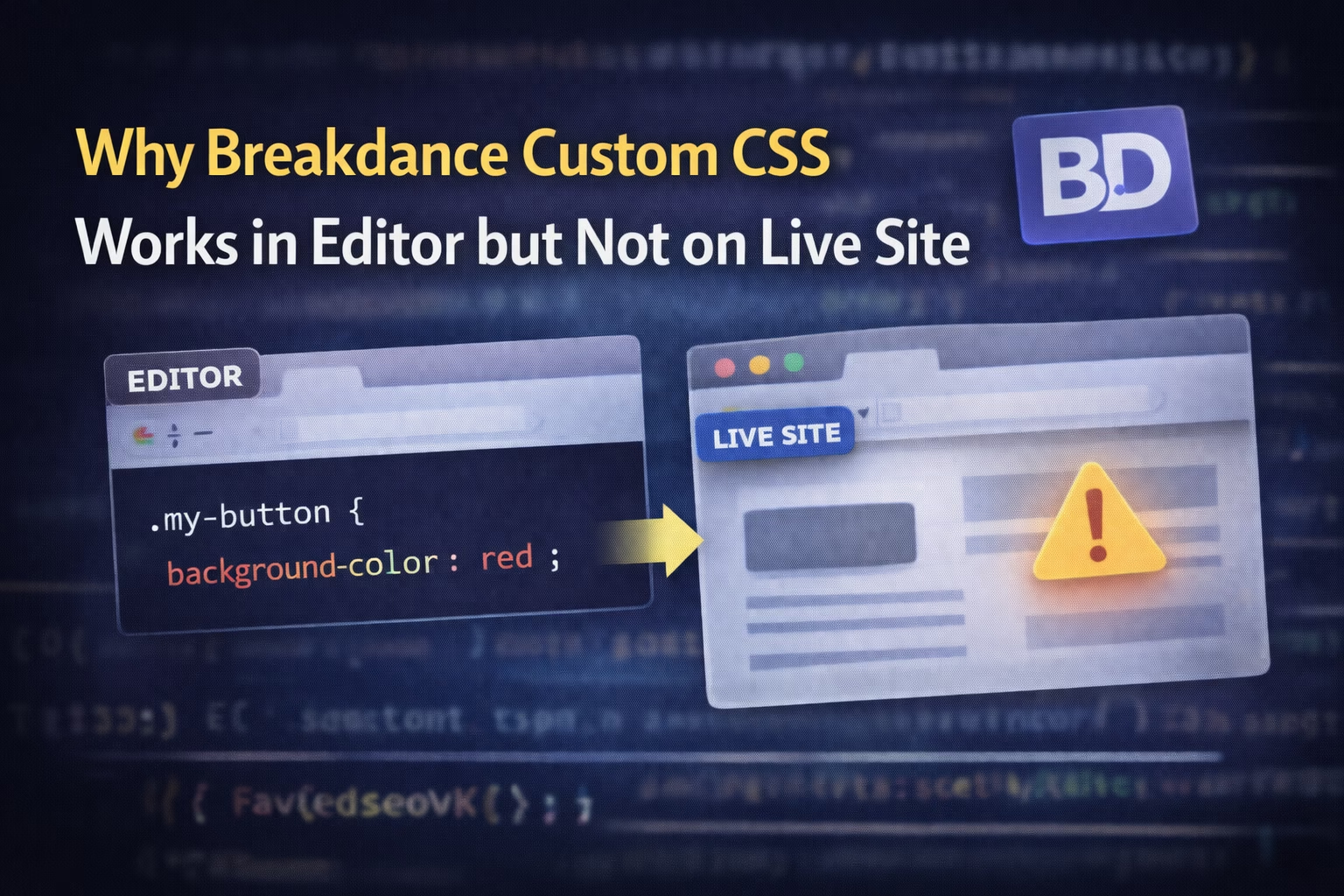
If you’re using Breakdance Builder and your custom CSS looks perfect in the editor—but completely breaks or disappears on the live site—you’re dealing with a core architectural difference, not a random bug.
This issue affects developers working with:
Custom selectors
ACF dynamic data
Loops and repeaters
Caching or optimization plugins
And it keeps coming up because Breakdance does not load CSS the same way in the editor and on the frontend.
Once you understand how Breakdance handles CSS compilation and scope, this problem becomes predictable—and fixable.
If .my-button exists outside that section, the CSS will never apply.
Correct Fix (Not a Hack)
If the style is meant to be global, move it to:
Breakdance → Settings → Custom CSS
Or explicitly widen the scope:
:root .my-button {
  background-color: red;
}
This single issue accounts for a huge percentage of “CSS not working” reports.
Root Cause #2: CSS Is Inside a Conditional or Dynamic Element
Breakdance will not load CSS if the element containing it doesn’t render.
This includes CSS placed inside:
Conditional elements
Logged-in–only content
ACF-driven components
Dynamic loops
Why It Works in the Editor
The editor ignores runtime conditions so you can design freely.
Why It Fails Live
On the frontend, Breakdance evaluates conditions strictly. If the element doesn’t render, its CSS is never loaded.
This same mechanism also causes issues with ACF data, which we covered in 👉 ACF Dynamic Fields Not Showing in Breakdance – Real Causes & Fixes
Proper Solution
Move critical CSS to:
A parent section that always renders
Page-level Custom CSS
Global Custom CSS
Root Cause #3: Caching or Optimization Plugins Strip the CSS
Performance plugins often interfere with Breakdance’s compiled CSS.
Common offenders:
WP Rocket
LiteSpeed Cache
FlyingPress
Perfmatters
Typical Symptoms
CSS flashes briefly, then disappears
Works in editor but not frontend
Works when logged in, breaks when logged out
What’s Actually Happening
These plugins may:
Remove “unused” CSS
Delay CSS loading
Cache an outdated compiled file
This is especially noticeable after clearing cache, a scenario explained deeper in 👉 Breakdance Layout Breaks After Cache Clear – What’s Actually Going Wrong
Safe Fix Steps
Clear Breakdance cache
Clear plugin cache
Clear server/CDN cache
Temporarily disable “Remove Unused CSS”
Exclude Breakdance-generated CSS files from optimization
Root Cause #4: CSS Loads Before the HTML Exists
This happens frequently with:
ACF repeaters
AJAX-loaded content
JavaScript-injected elements
Your CSS exists—but the markup doesn’t yet.
Example
.acf-card {
  border: 2px solid black;
}
If .acf-card is rendered after page load, the browser never applies the style correctly.
Correct Approach
Ensure styles apply after render, not before:
document.addEventListener("DOMContentLoaded", function () {
  document.body.classList.add("bd-loaded");
});
.bd-loaded .acf-card {
  border: 2px solid black;
}
Root Cause #5: Breakdance CSS Files Are Out of Sync
Breakdance compiles CSS into static files per page.
If those files become stale, your changes won’t appear on the frontend.
Proper Fix
Go to: Breakdance → Tools → Regenerate Files & Data
Then clear all caches again.
This is not optional—Breakdance relies heavily on compiled assets.
Root Cause #6: CSS Is Added in the Wrong Location
Breakdance gives you multiple places to add CSS—but they do not behave the same.
CSS Location
Scope
Element CSS
Strictly scoped
Section CSS
Scoped
Page CSS
Page-only
Global CSS
Site-wide
Rule of Thumb
Layout fixes → Section CSS
Component styling → Page CSS
Utilities / design system → Global CSS
If you’re mixing these up, you’ll keep chasing “bugs” that aren’t bugs.
A Practical Debugging Workflow
Before blaming Breakdance, always check:
Is the CSS present in page source?
Is the selector overridden?
Does it work with cache disabled?
Did you regenerate Breakdance files?
Does it fail only when logged out?
Following this flow will save you hours on every project.
Breakdance injects CSS very differently in the editor compared to the live site. In the editor, styles are loaded inline and often treated as global so you can design without friction. On the live site, however, Breakdance compiles CSS into static files, scopes it to specific elements, and enforces conditional logic.
Because of this, CSS that appears to work in the editor may never load—or may load with a different selector—on the frontend.
No. This is expected behavior, not a bug.
Breakdance is built with performance as a core principle. Scoping CSS, compiling files, and conditionally loading assets are all intentional optimizations. The confusion happens when developers assume the editor reflects the live environment exactly—which it does not.
Once you understand how Breakdance handles CSS scope and compilation, these issues become predictable.
Yes. Any CSS added inside an element, section, or component is scoped by default.
This prevents:
Style leakage across pages
Unnecessary global CSS
Performance issues caused by large stylesheets
However, this also means that selectors which appear global in the editor may only apply within a very specific DOM context on the live site.
If a style needs to apply across the site, it should be placed in:
Breakdance → Settings → Custom CSS
This ensures:
The CSS is not scoped
It loads on every page
It is not tied to any condition or component
Using element-level CSS for global styles is one of the most common causes of frontend styling issues.
Yes, very often.
Caching and optimization plugins may:
Remove “unused” CSS
Delay CSS loading
Cache outdated compiled files
Change load order
Because Breakdance relies on compiled CSS files, aggressive optimization can strip or delay styles that are actually required.
This is especially common after clearing cache or deploying updates.
When logged in, WordPress often bypasses certain cache layers. When logged out, full caching is applied.
If your CSS disappears only for logged-out users, it almost always points to:
Cache issues
CSS file regeneration problems
Optimization plugins interfering with Breakdance output
This is not related to permissions—it’s about caching behavior.
Yes, especially when ACF fields are rendered conditionally or loaded dynamically.
If the HTML element does not exist at the time the CSS is parsed, the browser may never apply the style correctly. This is common with:
Repeaters
Flexible content
AJAX-loaded fields
In these cases, CSS may need to be scoped differently or applied after content loads.
When cache is cleared, Breakdance regenerates CSS files. If your optimization plugin or server cache stores an outdated version—or strips newly generated CSS—the layout can break.
This is why clearing only one cache is rarely enough. You must clear:
Breakdance cache
Plugin cache
Server/CDN cache
Skipping any layer can result in mismatched assets.
You can, but it’s usually unnecessary.
Breakdance’s Global Custom CSS:
Is update-safe
Loads correctly with its compiler
Avoids conflicts with scoped styles
A child theme makes sense only if you’re already managing a large custom codebase outside Breakdance.
The fastest way is to:
Inspect the live site source and confirm the CSS exists
Check whether the selector is scoped or overridden
Disable caching temporarily
Regenerate Breakdance files
Test logged-out and incognito mode
Most issues become obvious within minutes when you follow this order.
Meet the Author
Babar khan
Babar Ilyas is a full-stack WordPress developer and SEO strategist focused on building fast, functional, and search-optimized websites. With years of hands-on experience, he shares real-world fixes and dev workflows that actually work.
When he’s not deep in code, he’s dropping fresh blog posts and tracking what Google’s up to — one ranking at a time.