Most of the time, the JavaScript runs before Breakdance finishes rendering the elements. Breakdance loads content dynamically, so elements may not exist when your script executes.
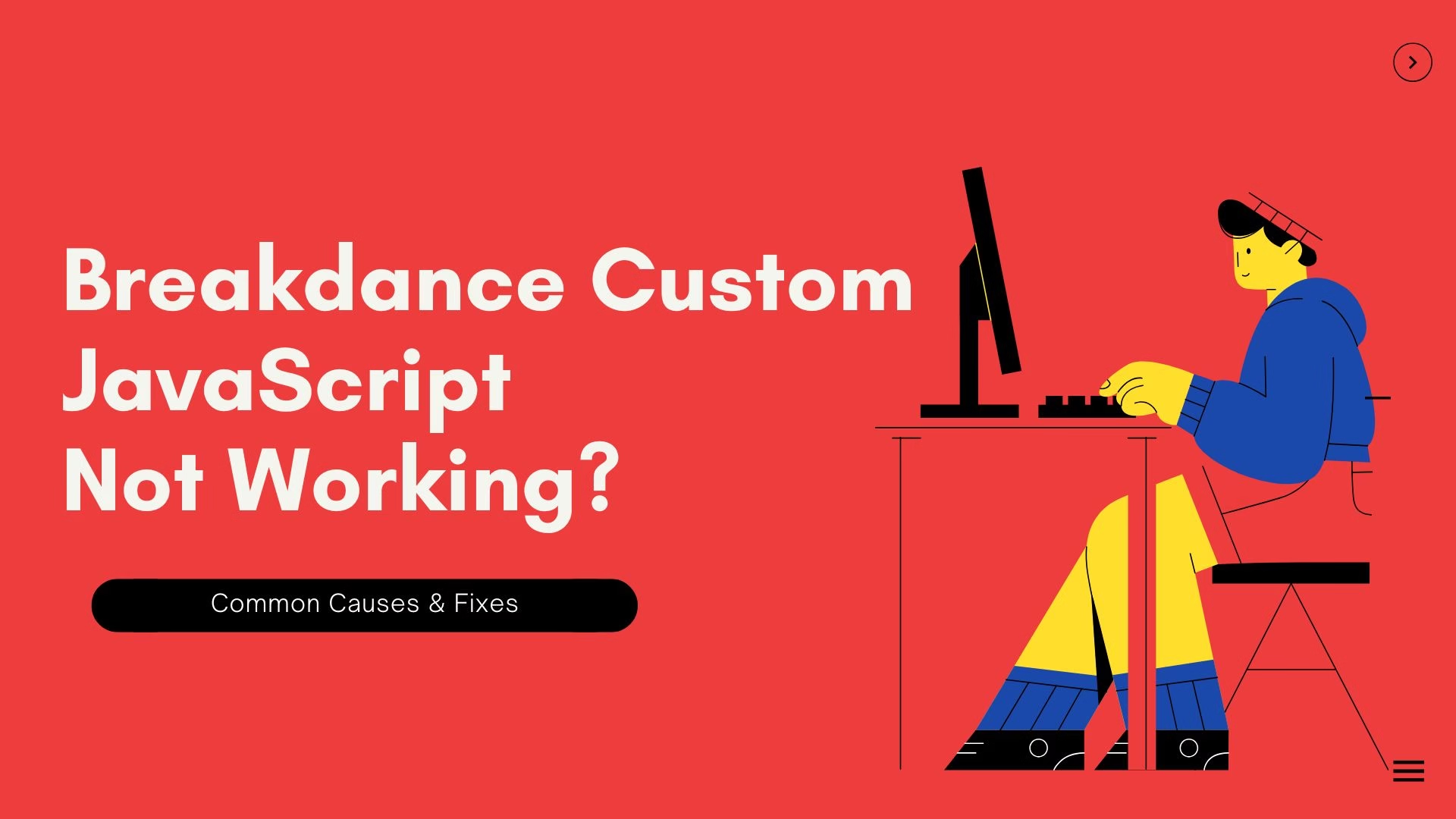
If your custom JavaScript is not working in Breakdance Builder, you’re probably thinking your code is broken.
In most cases, it’s not.
This issue happens because Breakdance loads and renders content very differently compared to traditional WordPress themes or builders like Elementor. Once you understand when and how scripts run, fixing this becomes straightforward.
This article explains why Breakdance custom JavaScript fails, what mistakes cause it, and the exact solutions that actually work in production.
Why Custom JavaScript Fails in Breakdance Builder
Breakdance is a modern, performance-focused builder. Because of that, it does not behave like a classic WordPress page load.
Key differences:
- Elements can be injected dynamically
- Sections may re-render after initial page load
- Scripts may execute before target elements exist
- Cache and optimization tools affect script order heavily
This is why JavaScript often:
- Works in the editor but not on the frontend
- Works after refresh but not on first load
- Works in Elementor but not Breakdance
If caching is involved, the issue becomes even harder to spot. If you’re unsure whether caching is interfering, clearing all layers properly is essential — here’s a full guide on how to clear WordPress cache correctly:
How Breakdance Loads JavaScript (This Is the Key Difference)
Most developers rely on this pattern:
document.addEventListener("DOMContentLoaded", function () {
  // JS logic
});
This works when:
- The DOM loads once
- All elements exist immediately
Breakdance doesn’t guarantee that.
Breakdance may render parts of the page after DOMContentLoaded fires. Your script executes correctly — but the elements you’re targeting aren’t there yet.
So nothing happens.
No errors.
No warnings.
This behavior is documented in Breakdance’s own rendering model and element lifecycle, which you can explore further in their official documentation:
Common Mistakes That Prevent JavaScript From Running
These mistakes show up again and again.
1. Targeting elements immediately
document.querySelector(".my-button").addEventListener("click", ...)If .my-button hasn’t been rendered yet, this silently fails.
2. Assuming frontend behaves like the editor
The editor loads extra scripts and helpers. Frontend does not.
If it only works in the editor, you almost certainly have a timing issue.
3. Inline JavaScript without execution guards
Inline scripts inside elements or headers are fragile in dynamic builders.
4. WordPress behavior confusion
Similar issues happen when WordPress internals don’t refresh correctly — for example, when permalinks break after migration. Understanding these core behaviors helps debug Breakdance issues as well:
Working Solutions to Add Custom JavaScript in Breakdance
These approaches work reliably.
✅ Solution 1: Event Delegation (Best Overall)
document.addEventListener("click", function (e) {
  if (e.target.closest(".my-button")) {
    // Your logic here
  }
});
Why this works:
- Elements don’t need to exist at load time
- Handles re-renders automatically
- Ideal for buttons, toggles, modals, and dynamic content
This is the recommended pattern for Breakdance.
If you want deeper technical background on delegation itself, MDN explains it clearly here:
✅ Solution 2: Poll Until the Element Exists
(function waitForElement() {
  const el = document.querySelector(".my-element");

  if (el) {
    // Your logic here
  } else {
    setTimeout(waitForElement, 100);
  }
})();
Use this when:
- Initializing sliders
- Working with third-party widgets
- You must run logic after render
✅ Solution 3: Use Breakdance Global Custom JS Properly
If you’re adding JS via Breakdance → Global Settings → Custom JavaScript:
Bad:
initFeature();Good:
function initFeature() {
  // logic
}

document.addEventListener("DOMContentLoaded", initFeature);
Then combine this with delegation or polling.
✅ Solution 4: Enqueue JavaScript the WordPress Way (Advanced)
For complex logic, enqueue scripts instead of inline code:
add_action('wp_enqueue_scripts', function () {
  wp_enqueue_script(
    'custom-breakdance-js',
    get_stylesheet_directory_uri() . '/js/custom.js',
    [],
    null,
    true
  );
});
This gives you:
- Better cache handling
- Cleaner debugging
- More predictable execution
Edge Cases: Cache, Optimization & Hosting Issues
If your JS works randomly or breaks after deployment, this is where to look.
Caching Plugins
Plugins like WP Rocket, LiteSpeed Cache, and Autoptimize may:
- Defer scripts
- Combine files
- Change execution order
For debugging:
- Disable JS defer
- Exclude custom scripts
- Clear all cache layers properly
Hosting-Level Optimization
Some hosts inject:
- Aggressive caching
- CDN-level optimizations
- Script rewrites
Always test with:
- Cache disabled
- CDN paused
- Incognito window
Final Thoughts
If your Breakdance custom JavaScript is not working, it’s almost never a syntax issue.
It’s usually:
- Script timing
- Dynamic rendering
- Cache interference
- Incorrect assumptions about page load
Once you stop treating Breakdance like a traditional theme and start writing defensive JavaScript, these problems disappear.
If you’re running into Breakdance issues in a live environment and don’t want to waste hours debugging edge cases, this is exactly the kind of thing I handle daily.